Scriptables: a GUI for Linux Ubuntu Servers
I'm a busy guy; I'm always working on ten million things, and I have a busy family life too. Thus, the time I have to work on side hustle stuff is little to none.
Twenty years ago, I had all the time in the world, but these days, man, it's already October.
Anyway, I've been trying to maintain an open-source project for the past 3 years; it's been a challenge, even though I wish I could be further down the line. I've still managed to get the project to a "usable" state. Barring a few bugs and UI annoyances, it works just fine.
Written in my 2nd favourite language too :-) I.e., Golang (PHP being my first, of course, and Python not too far off).
I chose Golang because it's:
Minimal: I love minilimisim. Hate verbose languages that are so ceremonial, where you spend more time just writing code instead of solving problems. Go allows me to just move at lightning speed.
Fast: It's not Rust or anything, but it's fast enough.
Small footprint: One of the most important factors here; since Scriptables is meant to run on just about any Ubuntu server, I don't want to be installing runtimes or burdening the user with complex setups. You literally just copy and paste a curl command, and it's done in a jiffy! Although I do install Go CLI tools, it's actually not even necessary since you can build a static binary and distribute that.
What is Scriptables anyway?
I love Linux and have been tinkering with it for the better part of 20 years; however, setting up a web server every time is a bit tedious.
Beyond configs like Nginx, you have to repeat the same few steps over and over. Stuff like setting up firewall rules, changing the default SSH port, setting up a non-root sudo user, etc...
Sure, you can use Ansible (which I'm also a fan of), but some folk prefer a GUI; even though I prefer the terminal, a GUI sometimes is a lot quicker and easier to work with.
There's also Laravel Forge, which I use from time to time, and it's a great tool no doubt, but I prefer to have the management console in my own environment, so I can lock it down behind a VPN or local network.
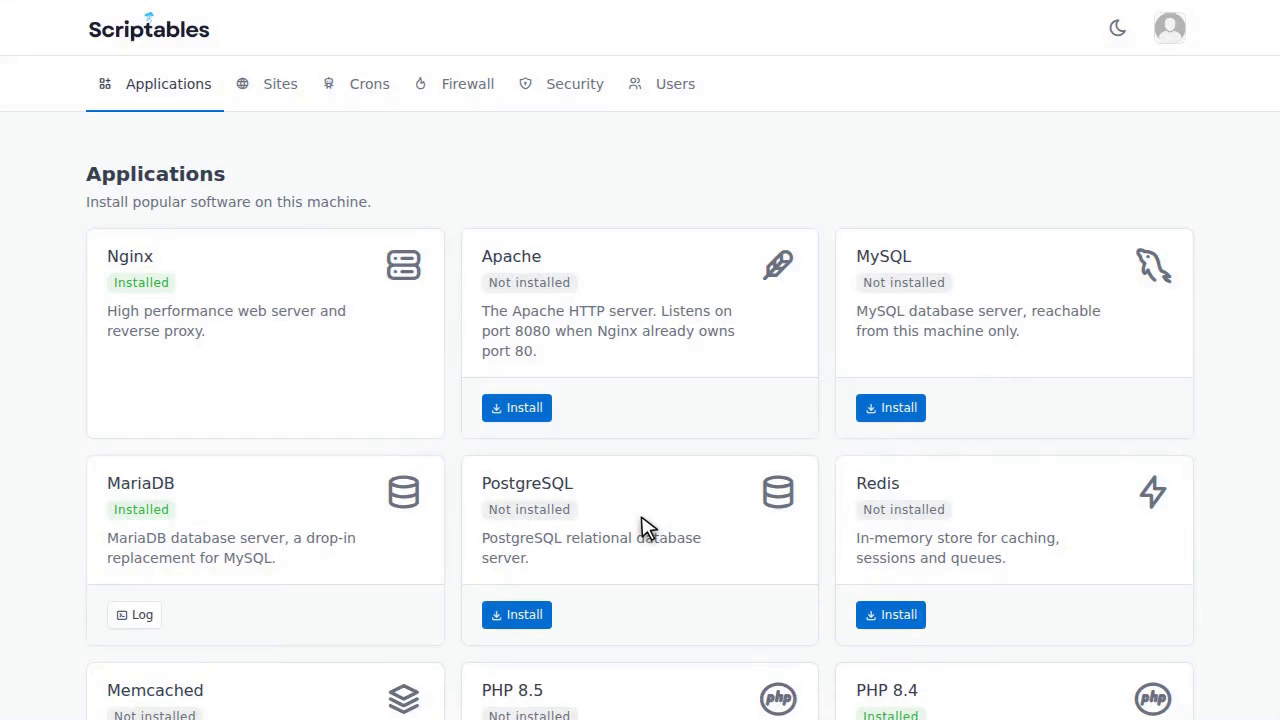
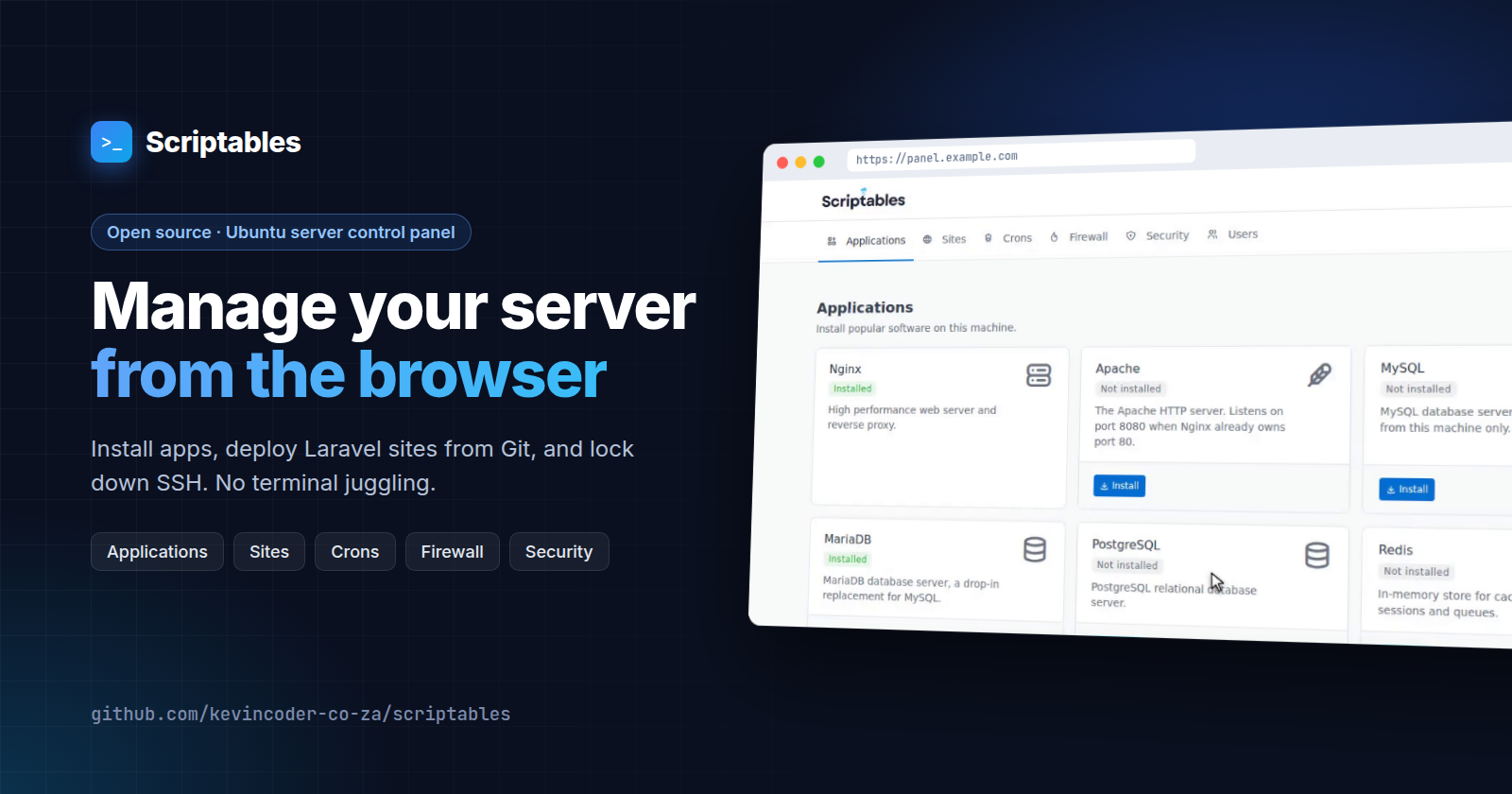
Scriptables is a GUI that makes managing Linux servers easy. Using a super simple GUI, you can accomplish the following:
Set up common server software such as Nginx, Redis, PostgreSQL, Docker, etc...
Manage CRON jobs.
Manage firewall rules.
Deploy PHP-based sites from GitHub / Bitbucket in a couple of minutes, including setting up SSL and Nginx configs.
SSH harden your machine: Set up a sudo user, change the default SSH port, set up UFW and fail2ban, etc...
Docker: A bit like Docker Desktop but much more lightweight. You can create containers, pull images, set up networks, etc...
What is the point of Scriptables?
I'm a firm believer in the KISS principle, and I find most of the modern DevOps tools out there do too much. Scriptables is built on the premise that UI should get out of the way; simplicity is paramount, so every common server task is one or two clicks away.
It's not designed to replace SSH entirely; you still need to understand the basics of Linux servers, but as a developer, since my browser is already open, it's sometimes just the easier option to set up a CRON job in Scriptables or a firewall rule, rather than having to SSH, remember my passphrase, cd ...

Also, another truth is, back in 2023, I really was looking for a fun project to expand on my Golang skillset, since back then coding was still a manual, write-by-hand task that I absolutely loved (Thanks a lot, Claude 🥹 for ruining that for me).
I still keep coming back to Scriptables, since A) I still love Golang, and B) I still love hacking Linux ¯\_(ツ)_/¯.
So alas, I'm still gonna maintain Scriptables for a long time to come.
How to use Scriptables?
To install Scriptables, you simply need to be logged in to the server via SSH and run this command:
curl -fsSL https://raw.githubusercontent.com/kevincoder-co-za/scriptables/refs/heads/main/autoprovision.sh | sudo bash -s -- --domain panel.example.com --email you@example.com
Trust me, bro, this code is safe! But if you don't, here's the full source code:
https://github.com/kevincoder-co-za/scriptables
Once the curl command finishes, you should be able to access the dashboard via: https://whateverdomainyousetup.com; simply copy the security code outputted by the command and set up your account via this URL.
If you left out the --domain ( which you can do because it's optional) then Scriptables will automatically publish to port1323, so you should be able to access it on: yourservers-ip:1323
Note: you will need to install Google Authenticator on your phone or laptop as well, because by default Scriptables will ask you to set up 2FA auth. You can, of course, opt out of this, but I highly recommend you don't.
PS: If you like Scriptables, please share and star the repo. Open-Source is a tough gig, unpaid and a challenge to maintain, so any love will be most welcome (even hate, although please don't be a hater.) 😉
About the author
- On kevincoder.co.za, I write about my journey as a developer working across Django, Go, and everything in between, from large-scale systems to small, useful tools. Programming has been my passion for about 2 decades now, and I'm still loving it, so I experiment a lot and sometimes write about it.
Comments
Join the discussionNo comments yet. Be the first to comment.