Switaculous - SwiftUI on Windows and Linux!
I've been doing some mobile dev recently; I really like SwiftUI's declarative style of building apps, but since I need cross-platform support for both Apple and Android, I'm stuck with React Native for the time being.
Nonetheless, this adventure gave me the opportunity to explore Apple's ecosystem a little bit, and SwiftUI is such a breath of fresh air! I'm a sucker for clean, intuitive syntax.
Swift feels Pythonic in a way; it gets out of the way and allows you to just focus on the business at hand, unlike other mobile platforms, which frankly suck!
At this point, because I need to work with a lot of Windows and Linux-centric software, I'm not about to go out and buy a Mac, especially considering the crazy exchange rate we South African's have to deal with; alas, that leaves me with a VM in a data centre or Expo (cloud publishing), which is kinda okay for building and publishing apps, but not so great for actually writing code.
I also tried the Playground app on my iPad, but it's kinda weird typing on that touchscreen keyboard, so this got me thinking: can't we just build, or at least experiment with Swift and SwiftUI on other platforms like Windows or Linux?
Naturally, Apple won't allow this, and I'm not trying to violate their T&C's or allow people to "hack" their way into the App Store, but surely as a learning tool, it should be somewhat okay to allow a Playground-type app on Windows.
So, with a lot of help from Claude 5.5 Opus, I rolled up my sleeves and built Switaculous.
I've always enjoyed metaprogramming, building interpreters, and working on low-level stuff. The problem is that, with my busy schedule these days, I rarely have the time to dive into projects like these.
Realistically, this is a project that probably would never have gotten off the ground because it's weeks, if not months, of work. But with Claude, I can finally explore these interests again and actually build the things I've always wanted to build.
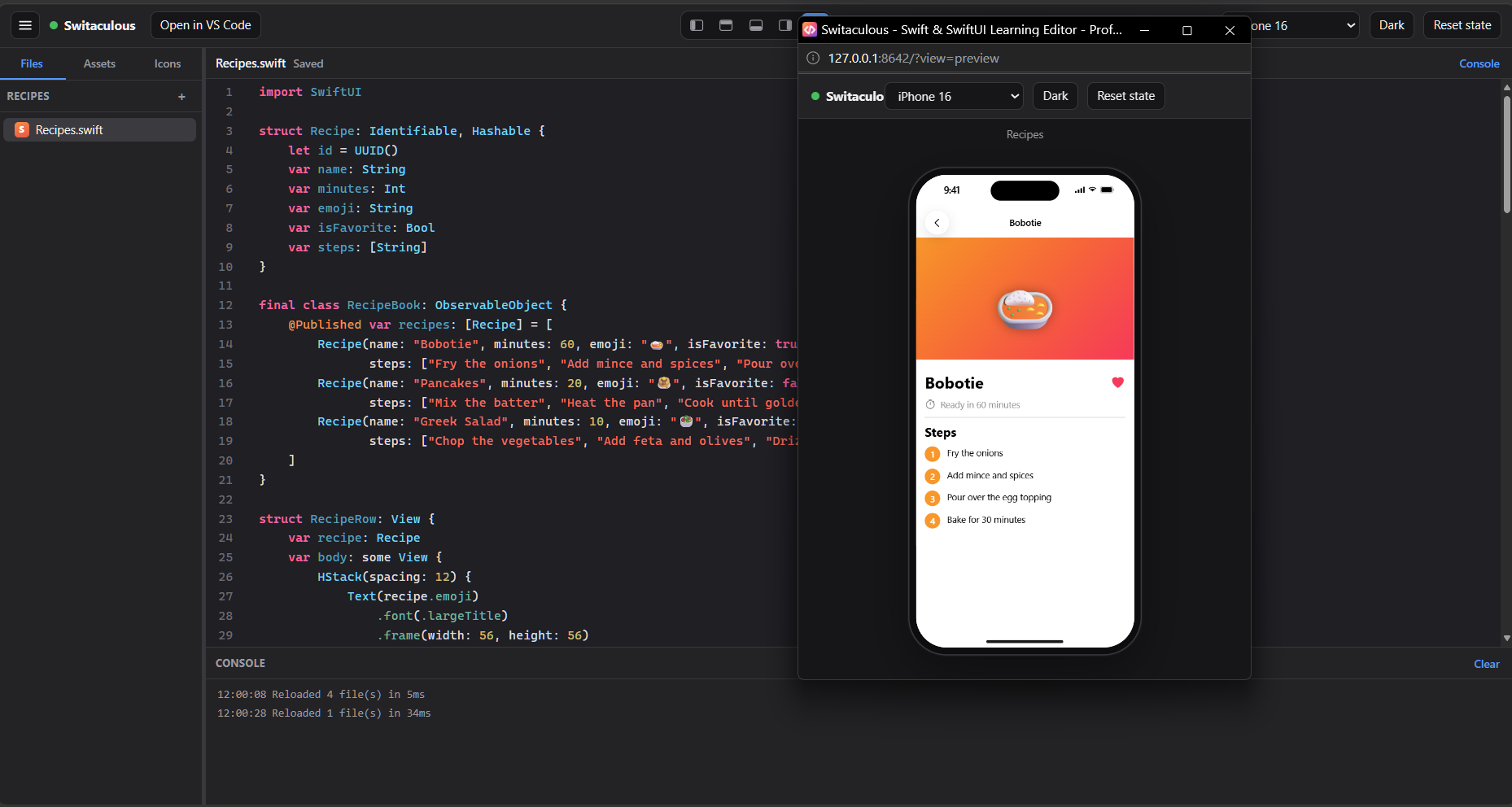
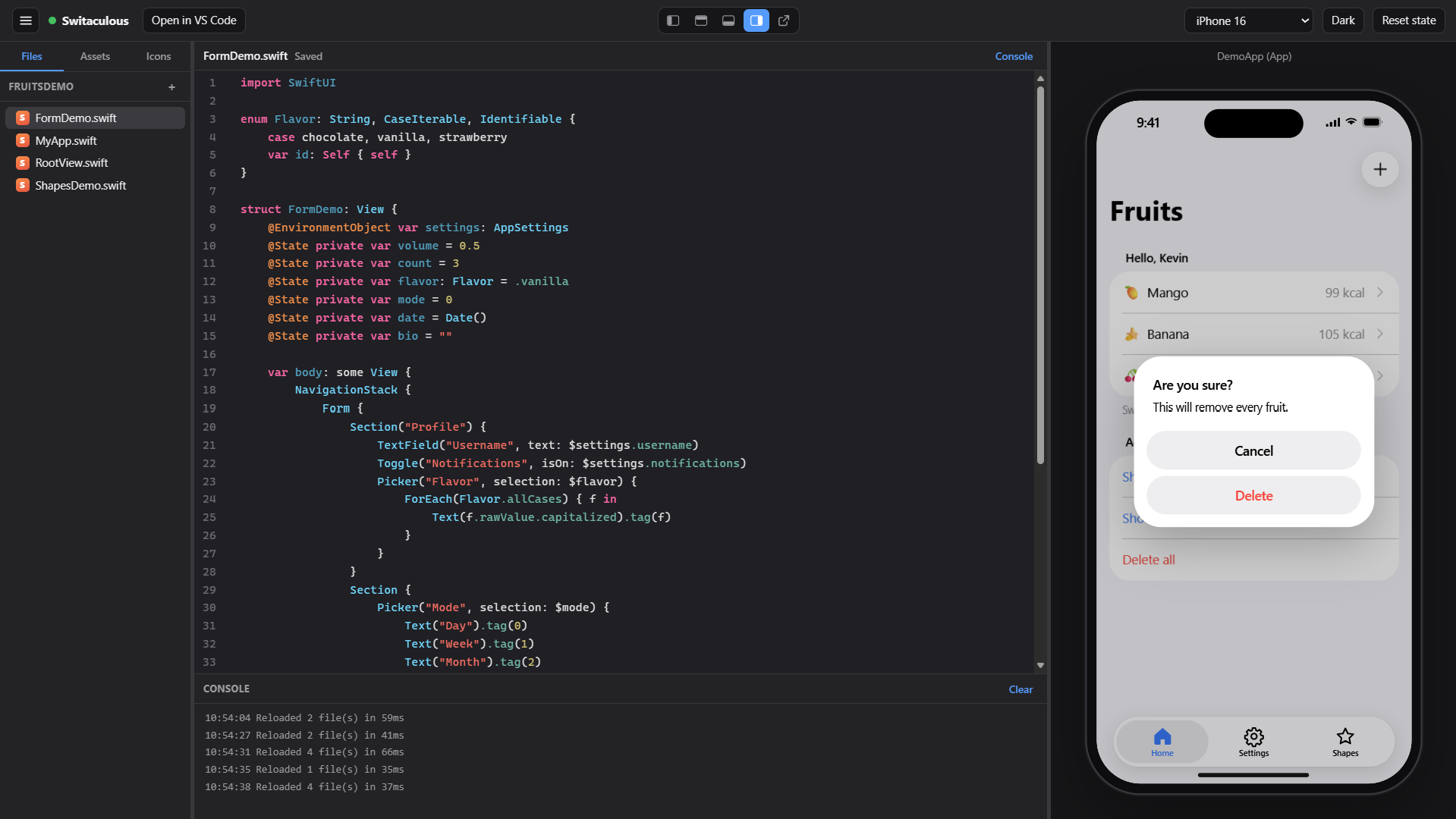
Switaculous is a Golang-powered desktop app that renders a code editor in your browser; it includes support for most SwiftUI widgets and even supports SwiftData.
This is a custom-built interpreter from scratch in Go; it's not meant to be 100% compatible with Xcode or for building real-world applications. It's for purely educational purposes; however, it does actually parse real SwiftUI code, so if you really want, you can easily design your UI in Switaculous, and then open that project in Xcode to complete the app.
I tried to support as many features as possible to give you a smooth developer experience, without attempting to rebuild Xcode.
At this point, it supports:
VStack, HStack, Text, ZStack, and most of these UI components, including their modifiers.
SwiftUI Colors, system icons, and adding custom assets to your project.
Most of the common Swift language features.
IntelliSense while working in the editor.
Various device profiles for iPhone and iPad.
MCP server to connect to your Claude code app.
And loads more...
Sounds interesting? Go grab your copy here: https://github.com/kevincoder-co-za/switaculous
About the author
- On kevincoder.co.za, I write about my journey as a developer working across Django, Go, and everything in between, from large-scale systems to small, useful tools. Programming has been my passion for about 2 decades now, and I'm still loving it, so I experiment a lot and sometimes write about it.
Comments
Join the discussionInterpreting a SwiftUI subset for a fast preview loop is a nice way to learn the declarative layout model without a Mac. Since the layout system is where people get confused most, a toggle that draws frame outlines with the proposed and chosen sizes for each view (stacks, Spacer, padding, frame modifiers) would make the editor a genuinely good teaching tool. It would also make it obvious when your interpreter's sizing rules drift from Apple's.
Thank you! Sounds like a good idea. I will definitely think about incorporating something like this.
an interpreter that only needs to cover the common widgets is the right scope, since the preview loop is what matters for learning. one idea is a small list of unsupported views shown in the editor, so people know why something renders differently than in xcode.
Great, thank you for the suggestion; I will definitely look into this. Currently, there's also a console error log that will print errors if there's a syntax problem or if something is not implemented yet.
the console log covers a lot. if each "not implemented" error named the view and pointed to the supported list, people could tell a missing feature from their own typo without leaving the editor.